Useful WordPress Tools, Themes And Plugins

Email Newsletter
Weekly tips on front-end & UX.
Trusted by 200,000+ folks.


 Flexible CMS. Headless & API 1st
If you’re looking for some great ways to improve your WordPress workflow, read on for a massive collection of free themes, plugins, tools and tutorials. These resources were all linked via the Smashing Magazine Twitter stream, Facebook stream, and other social-media streams around the Web.
These resources have now been organized and consolidated for easy reference to help you get the most out of the world’s most popular publishing platform. We hope that you’ll find these resources helpful and valuable.
Further Reading on SmashingMag:
- Utilizing User Roles In WordPress
- Do’s And Don’ts For WordPress Startups
- Random Redirection In WordPress
- Inside WordPress Actions And Filters
WordPress Themes
There are probably a billion WordPress themes available these days. But not all of them are worth using or even looking at. Fortunately our readers send in some amazing and beautifully designed themes for us to check out and share. So without further ado, here are some of the best WordPress themes we’ve discovered along the way, neatly summarized and linked for your surfing pleasure.
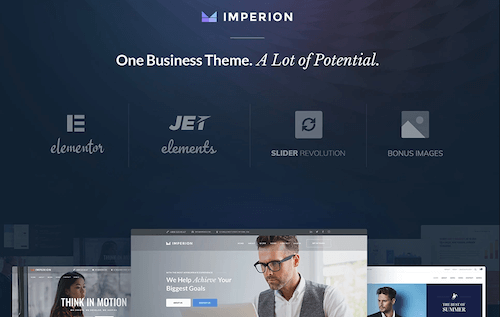
Imperion: All-in-one Corporate WordPress Theme If you want to get a statement-making business website running within a short period of time, Imperion multipurpose theme is a real salvation for you. An Awwwards nominee, Imperion absorbs all the treats you might ever need to create a pioneering website, including Elementor that frees you from messing with long lines of code, loads of skins for all kinds of corporate and business matters, feature-rich add-on-enhanced WooCommerce, tons of Cherry Plugins and much more. In short, every tool you might need for powering a second-to-none website is within your reach with Imperion.
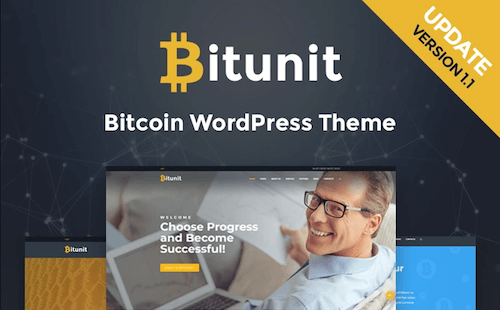
BitUnit: Crypocurrency Website Responsive WordPress Template BitUnit is the revolutionary 2018 template that lets you power a fully-functional Bitcoin buy-and-sell website. With BitUnit, you get more than a perfectly designed and built theme with extended functionality. For example, you get JetElements add-on for Elementor live page builder that allows adding many complex content modules in just some clicks. Moreover, BitUnit features upgraded Service and Contact pages, as well as a great number of one-stop layouts you can use in a click.
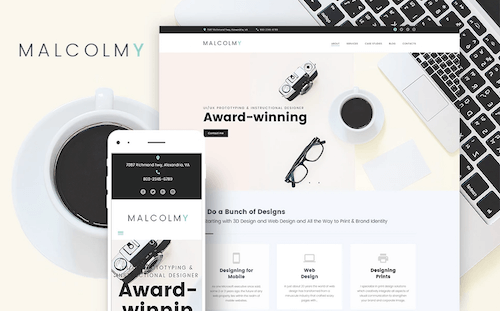
Malcolmy Lite: Free Designer Personal Portfolio WordPress Theme Malcolmy Lite comes among the finest free portfolio WordPress themes you can find on the web. Its design is amplified with contrasting hues to bring the new level and elegance to a website. Editing the theme turns into a piece of cake thanks to intuitive Power Builder editor that lets you customize your site on the fly. With Malcolmy Lite, you can make use of the library of pre-made payouts, use and tailor a number of widgets and embed videos from Vimeo and YouTube.
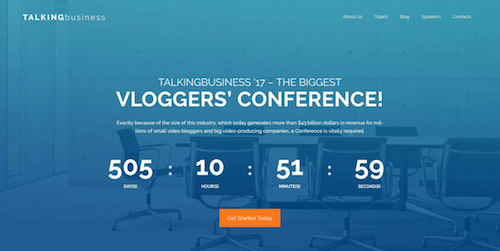
Talking Business: Free Conference WordPress Template This well-documented and SEO-friendly free WordPress theme is designed for business agencies eager to drive hordes to their progressive conferences. The template’s rich user interface ensures a more visual way of presenting content with the help of counters, countdown timers, diagrams, tabs, etc. Life Customizer and Power Builder editors that come with the template allows you to effortlessly edit the template’s layout and position its elements up to your preference with simple drag-n-drop. The trust symbols of the theme include your full contact information, Google map with the conference address marked on it, testimonials and social media proof.
ListingPro (affiliate link) Listing Pro is the world’s #1 best-selling End-to-End WordPress directory solution. It’s the only theme that includes all the core directory features, and no paid-plugins needed. Which makes it easy to build an online directory and start earning. Whether you want to build a directory like Yelp, Zomato or FourSquare for your niche market then ListingPro is the best directory listing software for all kind of business directory use-cases. Out-of-the-box it includes: Search, Filter, Front-end submission (FES), Rating & Reviews, Events, Internal Messaging, User-Dashboard, Ads campaigns, built-in Checkout (No WooCommerce). For more features check out the All Features page.

Free HTML 4.01/HTML5 WordPress Theme: Spectacular A free WordPress theme that aims to provide a warm and pleasurable atmosphere for personal musings and ramblings.

Suburbia 1.1 Wordpress Theme Suburbia is a free premium WordPress theme for magazines. The layout is very clean and flexible and designed in a modest and minimalistic style.

Portfolium 1.1 WordPress Theme Portfolium can be used on portfolio websites or blogs and has a minimalistic design that is perfect as is or as a foundation for your custom design.

Roots WordPress Theme Roots is a starting WordPress theme made for developers that is based on HTML5 Boilerplate, Starkers, and the most popular CSS frameworks.
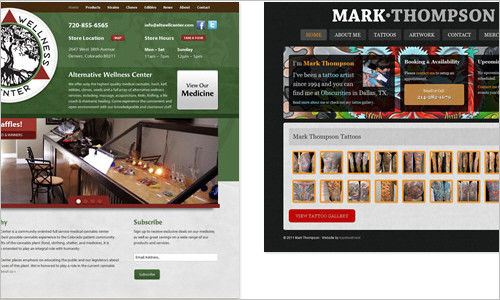
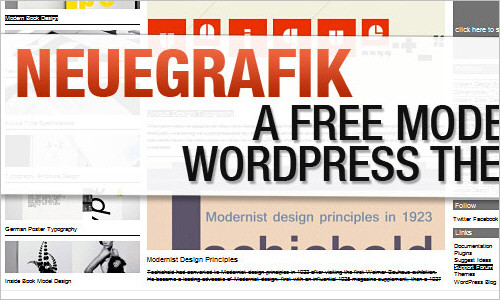
NeueGrafik: A Free Modern WordPress Theme This theme is totally unique and simple, it’s great for any graphic designer, illustrator or photographer to showcase their portfolio.
Free Minimal Swiss Design WordPress Themes (4 Themes) In this post the authors release yet another freebie: an original set of four exclusive minimal, clean WordPress themes designed by Marios Lublinski and released for the Web design community.

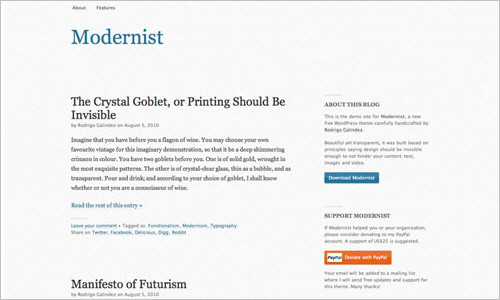
Modernist: Free WordPress theme with focus on typography Yet another freebie: a beautiful Modernist WordPress theme, designed by Rodrigo Galindez, and released for Smashing Magazine and its readers. This theme is based on the design ideas of Jan Tschichold, Josef Müller-Brockmann, Dieter Rams, and other modernists.
Free E-Commerce WordPress Theme: Balita: Smashing Magazine In this post the authors release yet another freebie: the Balita WordPress theme, a theme dedicated to shops that sell products for children.

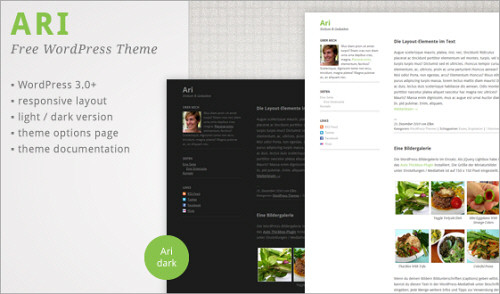
Ari WordPress Theme A free WordPress theme for WordPress 3.0+ and translation-ready.
WordPress Anniversary Theme On January 25, 2003, a seemingly one-off comment by “Mike” on Matt Mullenweg’s blog started a chain reaction that resulted in the creation of WordPress. Today, WordPress powers millions of blogs and websites, making it incredibly easy to build a website!
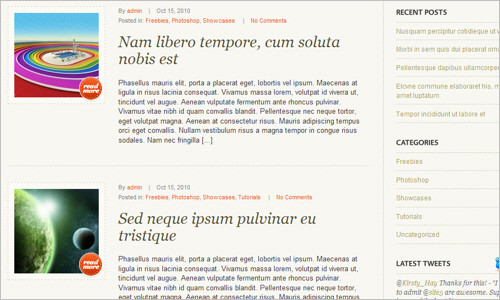
Academica: Free WordPress 3.0 Theme For Educational Websites — Smashing Magazine A free WordPress theme designed specifically for educational websites such as universities, schools, etc.

Landing pages, squeeze pages, sales pages, and A/B testing made easy for WordPress The authors deliver high-quality premium WordPress themes and plugins that make it easy to take your website to the next level.

Bubblog Theme A modern, clean WordPress theme. It has a management console, is widget ready, advertisement ready, and is an easily customizable theme to use.
Grid Portfolio Theme Beautiful minimal and modern WordPress themes. Design for illustrators, photographers and graphic designers. The focus should be on your work, not the theme.
Foghorn Theme Foghorn is a minimalist WordPress theme built off of the foundation of Twenty Eleven. It has a custom options panel for switching layouts, removing sidebars, uploading a logo, and changing footer text.
Free Designer Theme Beautiful minimal and modern WordPress themes. Designs for illustrators, photographers and graphic designers. The focus should be on your work, not the theme.
Free WordPress 3.1 Theme: Splendio (With PSD Sources) A new freebie: a beautiful theme, designed by Vlad and Elena Scanteie which was developed exclusively for Smashing Magazine and its readers.
Free HTML 5 Responsive WordPress Theme for Photographers Photum is a theme to use with WordPress that will turn your site into a clean portfolio that you can use to show off your photos.
WordPress Plugins
Besides themes, plugins are another way to customize your WordPress website with advanced functionality and interactivity. As with themes, there are plugins for just about everything you can possibly imagine. But also like themes, it can be difficult to sift through the fluff, and find those gems that truly improve your website.
When you do find a WordPress plugin that’s great, you just have to share it with others in the community. So put on your plugin-checking goggles, because it’s about to get interesting!
The Sweet Plugin: User Switching Today’s Sweet Plugin is User Switching, which has quickly become one of my all-time favorite plugins. It allows admins to easily switch to another user, skipping the log-in / log-out process, which can become quite time-consuming for testing the websites of different users. This is one plugin that is seriously worth checking out.

Event Organizer Event Organiser adds event management that integrates well with your WordPress site. By using WordPress’ in-built ‘custom post type’, this plug-in allows you to create events that have the same functionality as posts, while adding further features that allow you to manage your events.
Ninja Forms: A New Free Plugin for Creating Forms in WordPress Every website needs forms – it’s an integral part of visitor/customer communication. However, custom forms can be a downright pain to code.
Bookings WordPress plugin Bookings is a WordPress plugin allowing you to provide online booking services for your website.

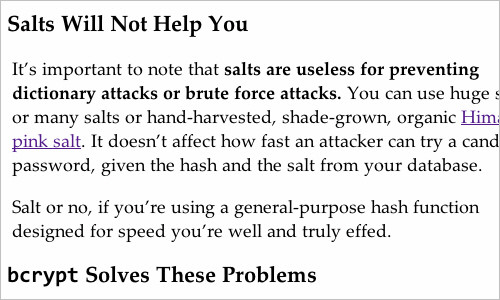
Bcrypt WordPress Plugin: Store A Password Safely bcrypt uses a variant of the Blowfish encryption algorithm’s keying schedule, and introduces a work factor, which allows you to determine how expensive the hash function will be. Because of this, bcrypt can keep up with Moore’s law. As computers get faster, you can increase the work factor and the hash will get slower.
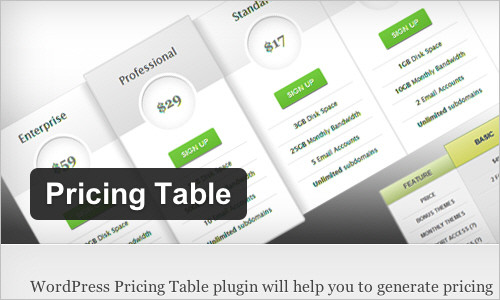
Pricing Table WordPress Plugin WordPress Pricing Table plugin will help the admin to publish a pricing table on your WordPress page, or even to post content to it. WordPress Pricing Table plugin has a full-featured (but easy to use) administration option to create a pricing table.
Anti-Splog WordPress Plugins The ultimate plugin and service to stop and kill splogs in WordPress Multisite and BuddyPress, from WPMU DEV.

Email Address Encoder WordPress Plugin A lightweight plugin to protect email addresses from email-harvesting robots by encoding them into decimal and hexadecimal entities.

Wordless Speed Optimization WordPress plugin Wordless is an opinionated WordPress plugin that dramatically speeds up and enhances your custom themes creation.
Leaflet Maps Marker Wordpress Plugin The WordPress plugin “Leaflet Maps Marker” allows you to pin, organize and show your favorite places through OpenStreetMap on your blog and via different APIs on external websites or apps

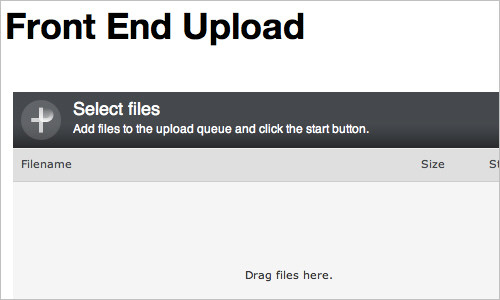
Front End Upload WordPress Plugin A WordPress plugin that facilitates adding a client upload form to your site with the least friction possible, something you can literally activate, implement with a shortcode, and leave it at that if you wanted. Enter Front End Upload.
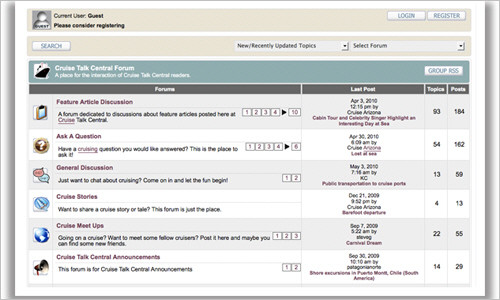
Simple:Press A feature-rich, completely integrated and scalable forum plugin for WordPress.
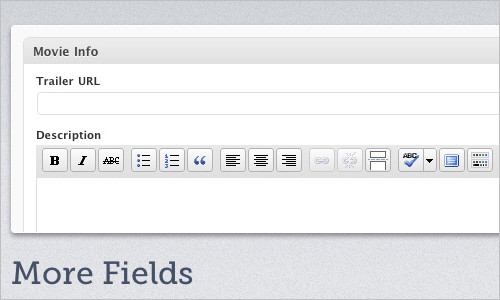
More Fields WordPress Plugins More Fields is a WordPress plugin that adds boxes to the Write / Edit page. These boxes contains input fields, so that additional (more) fields can be added to a post. For example, if you write about books, you can add a box where you can enter the title and the author, etc. The boxes can be placed either to the right or to the left of the Write / Edit page.
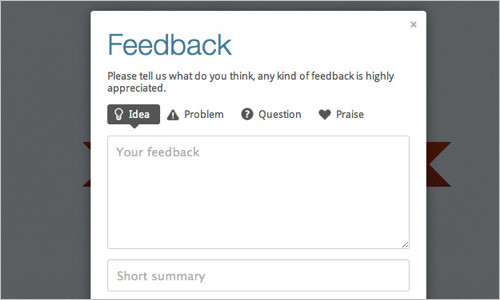
Usernoise Modal Feedback: A WordPress Contact Form WordPress websites are always in need of a good contact form. Are you looking for a feedback / contact form that works right out of the box? Should it have an attractive aesthetic, with a simple yet full-featured form? Look no further than the free Usernoise Modal Feedback Contact Form plugin.
WordPress SEO by Yoast, version 1.0 The SEO plugin by Yoast helps all our editors add SEO juice to their post fast and easy. Editors should focus on writing content, not gaming results. But they are the ones most suitable to write descriptions and titles for their own stories. This plug-in allows them to do just that without needing an SEO expert to walk them through the process. An invaluable tool for any professional blog.
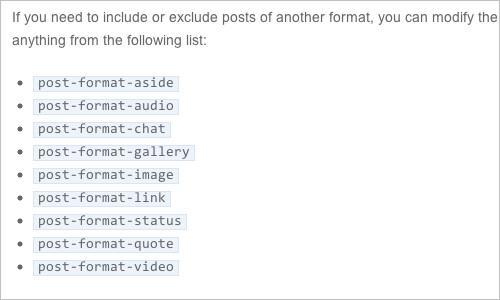
Michael Fields » Post Format Queries
WP Document Revisions — Document Management for WordPress WP Document Revisions is a document management and version control plugin for the popular content management system, WordPress. Built for time-sensitive and mission-critical projects, teams can collaboratively edit files in any format — text documents, spreadsheets, images, sheet music… anything, while seamlessly tracking the document’s progress as it moves through your organization’s existing workflow.

WordPress Tools
Beyond themes and plugins, there are tools and resources to further help with improving the presentation, organization, and functionality of your WordPress-powered website. Here is our growing collection of WordPress tools that we’ve collected from around the Web:
ManageWP: Manage WordPress Websites From One Dashboard ManageWP helps you manage all your WordPress sites from one location, keeping them updated and secure.
WordPress Mobile Pack The WordPress Mobile Pack is a complete toolkit to help mobilize your WordPress website and blog. It includes a mobile switcher to select themes based on the type of user that is visiting the website, a selection of mobile themes, extra widgets, device adaptation, and a mobile administration panel to allow users to edit their website, or write new posts when they are out and about.
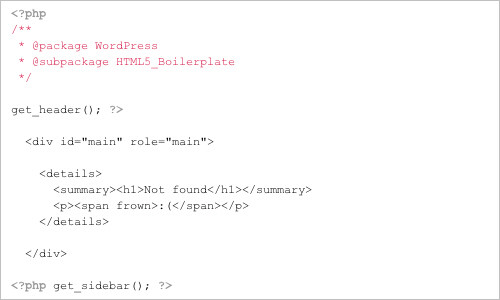
HTML5 Boilerplate for WordPress This theme is built on the HTML5 Boilerplate by Paul Irish and Divya Manian. The sole purpose of this theme is to save developers the time it takes to apply the HTML5 Boilerplate to WordPress. The “HTML5 Boilerplate” name is used with permission from Paul Irish.
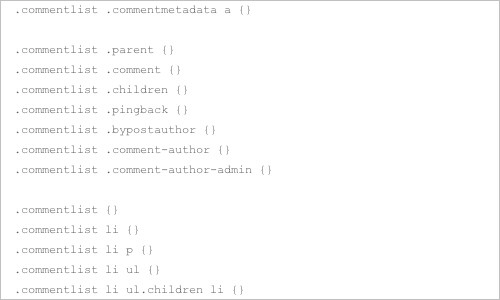
Default WordPress Generated CSS Cheat Sheet for Beginners The goal of this cheat sheet is to assist beginners who are looking to get into WordPress theme styling.
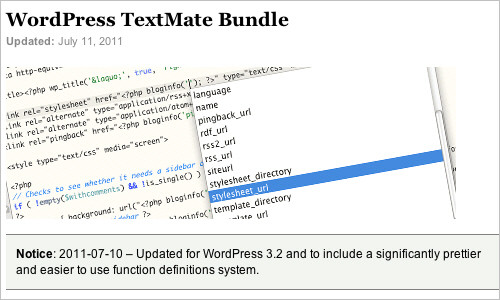
WordPress TextMate Bundle The WordPress TextMate Bundle is a TextMate bundle that is built with the sole purpose of reducing the amount of time spent digging around the WordPress core to look up those little things that we work with every day.
WordPress Initialization A very comprehensive reference on the WordPress initialization process.

Wonderflux — a free, open source theme framework for WordPress The framework contains over 100 hooks, including a unique set of dynamic location aware hooks. This allows you to insert pretty much any content or code in a variety of different views and situations anywhere in your theme output easily. There are also countless filters and parameters within the display functions available in Wonderflux.
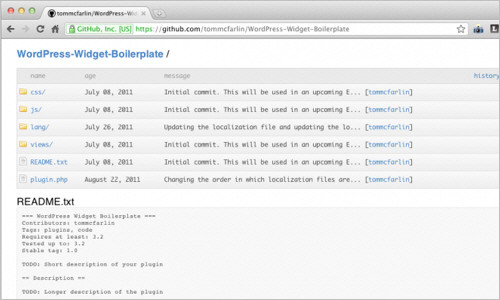
WordPress Widget Boilerplate The WordPress Widget Boilerplate features file organization, documented code, and is built with the WordPress API for best practices.
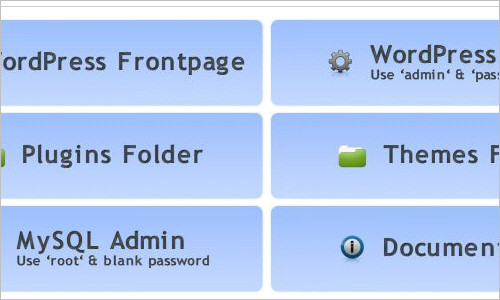
Instant WordPress Instant WordPress is a complete standalone, portable WordPress development environment. It turns any Windows machine into a WordPress development server. It can even run from a USB key.
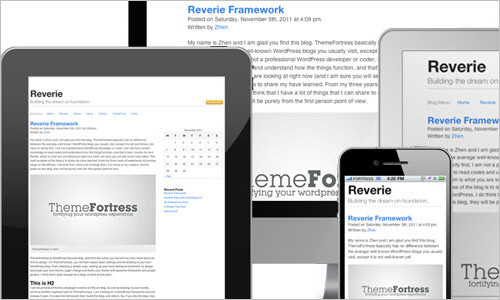
Reverie: Versatile HTML5 WordPress Framework Reverie Framework is an extremely versatile HTML5 WordPress framework based on ZURB’s Foundation, a powerful tool for building prototypes on any kind of device. Reverie follows HTML5 Boilerplate standards, and is hNews microformat ready. It is optimized for search engines, while at the same time improves readability.
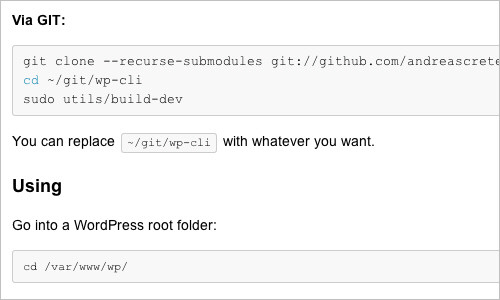
WordPress Command Line A set of tools for controlling WordPress installations from the command line.
WordPress Tutorials
Wrapping up these super-useful themes, plugins, and tutorials, here is a hand-picked collection of some great WordPress tutorials:
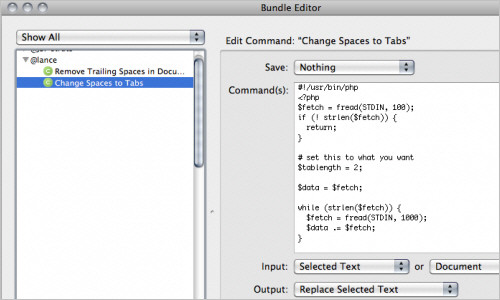
Using TextMate for WordPress Code Cleanup In this post, the author will show you how to add two useful commands to TextMate, then move through the steps taken for theme code cleanup, finally putting the commands into practice.
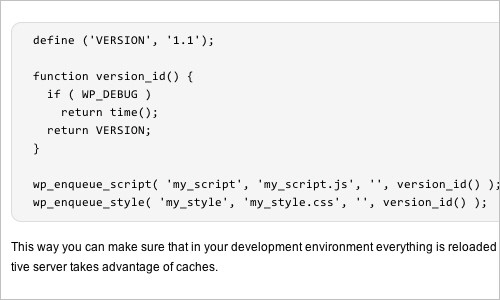
Force Reload of Scripts and Stylesheets in your Plugin or Theme If you’re developing a WordPress theme or plugin you may have had the problem that scripts or stylesheets are not reloaded from the source when you refresh the page because they are cached somewhere on the way from the server to the browser. This quick tutorial explains how to force reload of scripts and stylesheets in your plugin or theme.
WordPress Internals: How WordPress Boots Up — Theme.fm The authors have written their own Twitter (or other service feed plugins / widgets), to those who are simply interested in PHP and software architecture. They invite you to join us on a journey deep into WordPress core code.

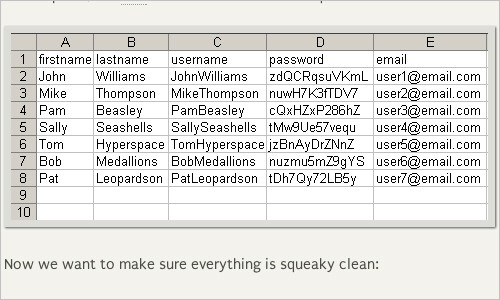
Importing WordPress Users via CSV Files Conceptually, the idea is simple: import the data to create actual users for a WordPress-powered website. The trick is to clean up the data as much as possible to ensure valid username and password information. Once the data is good, importing it is easy, using a plugin.
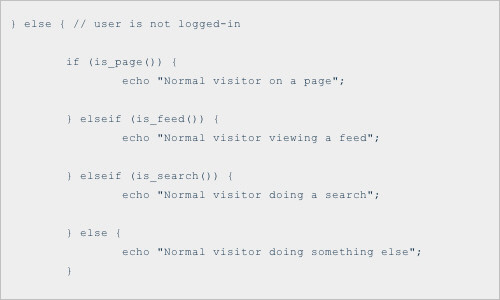
How to Redirect Logged-In Users WordPress provides a variety of ways to redirect logged-in users. In this DiW post, we explain each of these methods along with some useful tips and tricks along the way. These techniques enable you to redirect logged-in users to internal pages, external pages, and even return them to the current page.
How to Build a Shortened URL Service with WordPress Custom Post Type The point of this tutorial is to push the limits of WordPress, and that’s going to take some real thought!
Ajax-Powered Error Logs for WordPress This tutorial shows you how to set up dynamic error monitoring on any typical website. But the script will require some tweaking to get it to work with WordPress.
Scaling WordPress for High-Traffic This talk (presented by Envato’s very own developer extraordinaire, Ryan Allen), will detail some of the potential pitfalls and solutions when maintaining massive WordPress blogs, such as “Tuts+”.

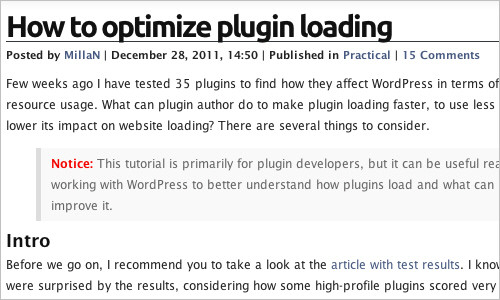
How to optimize plugin loading This tutorial is primarily for plugin developers, but it can also be useful reading for anyone working with WordPress, to help them better understand how plugins load, and what can be done to improve them.
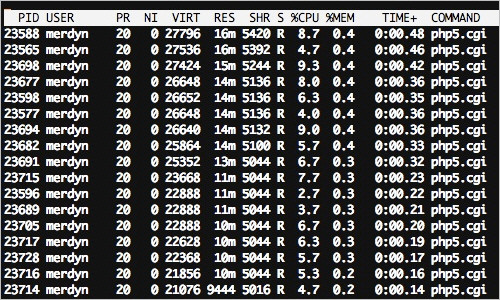
WordPress Optimization There are many reasons why you may want to optimize your WordPress blog — primarily, you want your website to load quickly. That of course encompasses a number of other things such as wanting to make sure your website can handle large volumes of traffic without choking, and making sure your website’s processes aren’t being killed due to using too many server resources.
WordPress HTTP API — easily GET or POST in WordPress The WordPress HTTP API makes fetching from (or posting to) remote servers a breeze. It does this by allowing you to be transport agnostic when you either fetch or post something. The HTTP API will choose the fastest and most reliable method out of the five different transports available in PHP. It will take care of discovering what transports are allowed on that server at that time.
Admin Bar Tricks In this DigWP post, the authors round up a ton of tips, tricks, and plugins for ultimately mastering the WordPress admin bar.
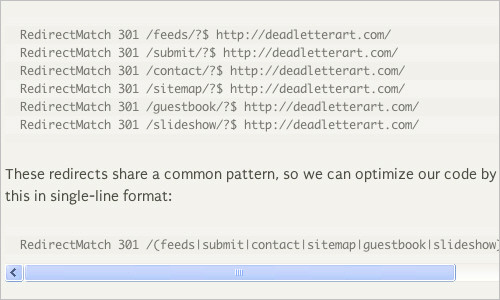
Optimizing WordPress Permalinks with htaccess The topic of this post is how to use htaccess to optimize WordPress permalinks.
Writing Unit Tests For WordPress Plugins This article shows you how to integrate unit tests into your WordPress plugin, where to write unit tests, and how they can help you.
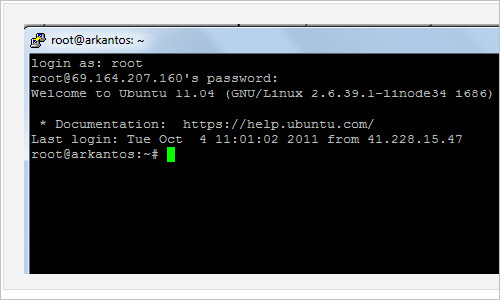
How to Setup Your Own Nginx Powered WordPress Server Nginx is a Web server software that allows your server to serve files. Nginx is fairly new to Web server work, relative to other popular Web servers. If you look at the graph below, you can see Apache as the “top dog” (going all the way back to before 1995), while Nginx just started showing up in March, 2007.
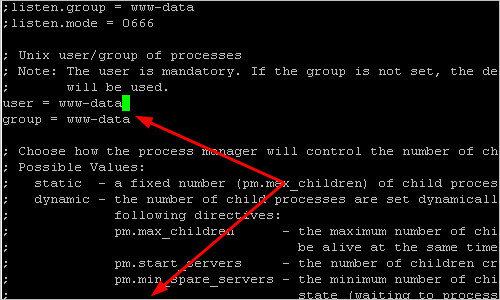
Group WordPress Project: A Purpose & A Name This time, the author is looking to narrow things down a bit, and needs your help to determine the overall purpose of the theme, and to start thinking about a possible name.
How To Create Custom Post Meta Boxes In WordPress Creating custom meta boxes is extremely simple — at least it is once you’ve created your first one using the tools baked into WordPress’ core code. In this tutorial, the author will walk you through everything you need to know about meta boxes.

How to use Ajax in WordPress AJAX is the technology that lets you update the contents of a page without actually having to reload that page in the browser.
How to Sync A Local And Remote WordPress Blog If you prefer to work on your WordPress projects locally, but have to get them to sync remotely, then this tutorial is for you.
WordPress Multisite: Practical Functions And Methods Multisite is a powerful new feature that arrived with the release of WordPress 3.0. It allows website managers to host multiple independent websites with a single installation of WordPress.

The Definitive Check List for Publishing Your WordPress Plugin This tutorial will guide you through publishing your plugin in the WordPress plugin directory. It works as a check list to help you make sure the plugin will be ready for the prime time by the time you hit publish.
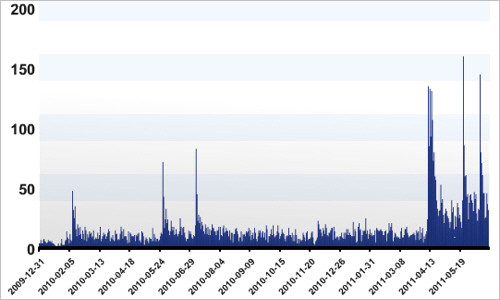
Last Click
40 Keyboard Shortcuts to Use in the WordPress Editor A detailed overview of keyboard shortcuts that you can use when writing your posts with WordPress.
WordPress functions.php Snippets This quick reference lets you quickly build various functions that you might need for your next WordPress project.
WordPress Snippets A growing repository of code snippets for WordPress developers.
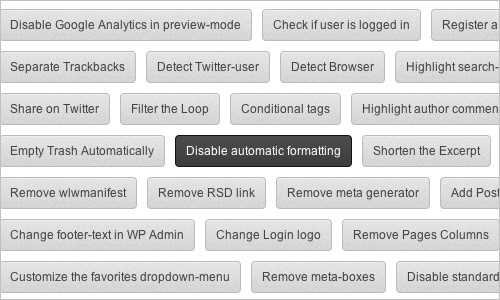
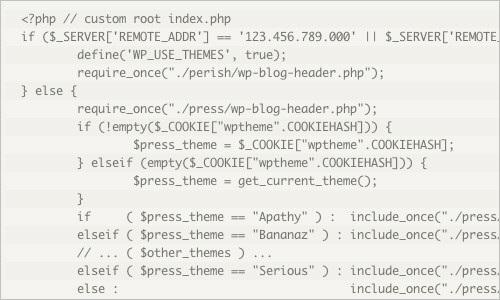
Huge Collection of Code Snippets: .htaccess, PHP, WordPress, jQuery, HTML, CSS Another huge repository of useful WordPress snippets.
(jvb) (il)